The short answer
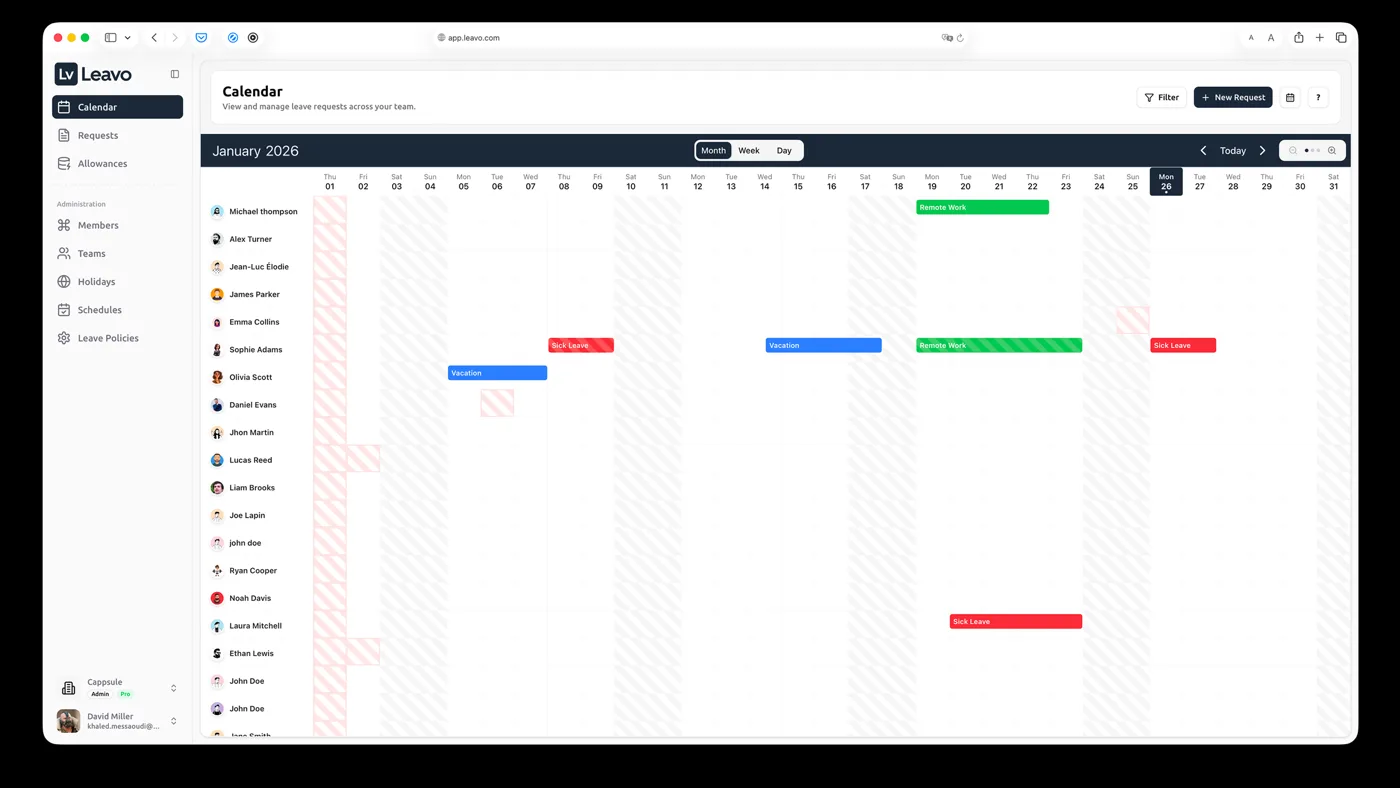
Leavo's own website and screenshots show a tool where staff request time off, managers approve it, balances update by themselves and everybody sees who is away in one team calendar. Leavo also describes time tracking, shift planning and public holidays for many countries. Those are Leavo's descriptions, not results we measured.
Who it can fit
These are the kinds of teams Leavo's own material points to. Use them as a starting point for your own check:
- Small and medium companies still tracking leave in spreadsheets
- Teams that approve time off by email today
- Companies with staff in several countries
- HR teams that plan work schedules or shifts
How to decide, step by step
1. Write down your leave rules
How many days, which leave types, who approves, what carries over? Without that list, no leave tool can be judged fairly, including this one.
2. Try the product yourself
Leavo's website offers a free trial. Enter a few real colleagues and rules and check the calendar, requests and balances. We are a partner, not an independent test lab.
3. Check the current price yourself
Prices change. Check Leavo's own pricing page on the day you decide; we do not repeat prices here.
4. Check the rules in your country
Leave and working-time law differ by country. Ask your adviser and check the data-protection terms before you enter staff data.
Screenshots from Leavo
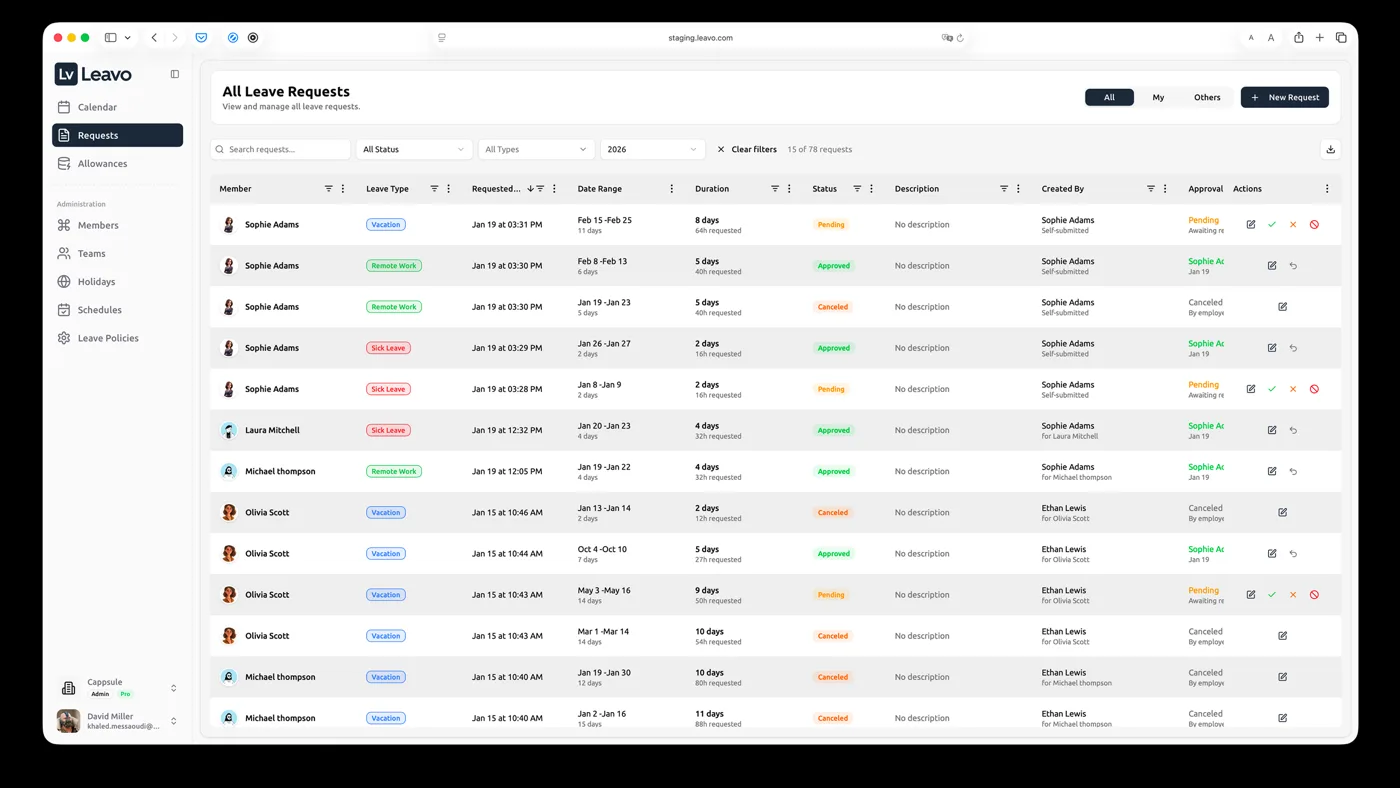
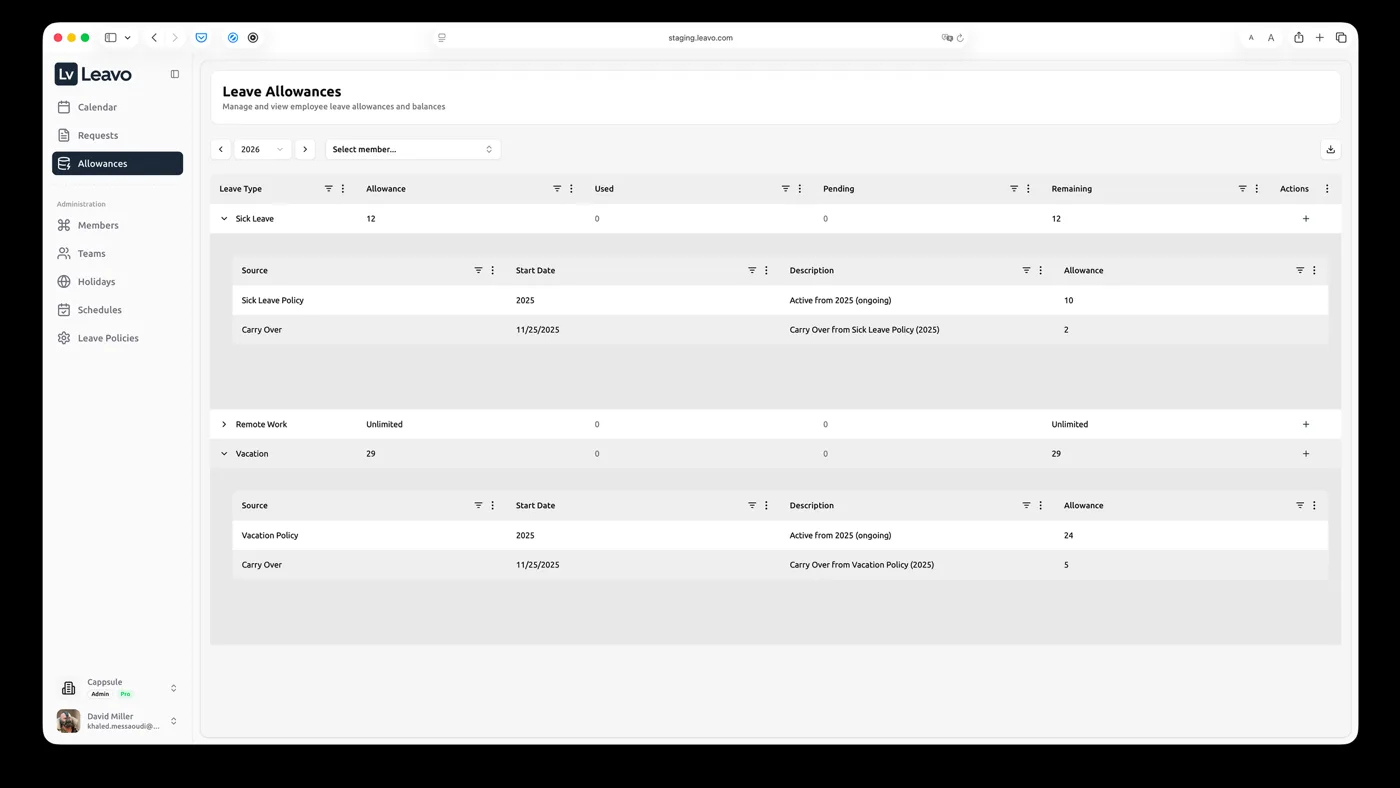
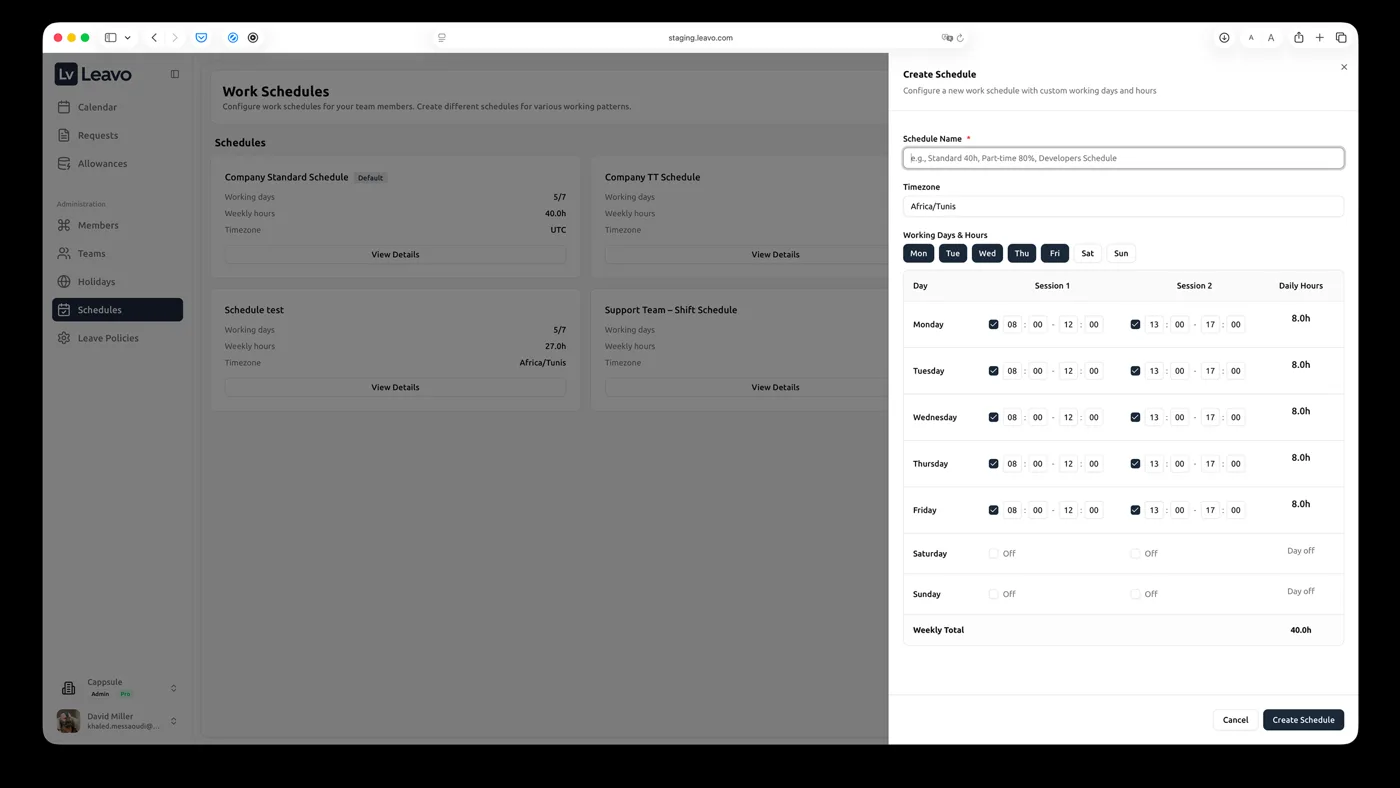
These screenshots come from Leavo's own partner material. We only made them smaller so the page loads fast. Names and numbers inside them are Leavo's demo examples — not real people and not results we measured.
Using the Leavo name correctly
Leavo asks partners to follow its branding guidelines. We use only pictures Leavo supplied, and we always mark the link as advertising.
Leavo's branding guidelines: drive.google.com
What we can and cannot say
We cannot promise that Leavo fits your case, that it meets the law in your country, that it saves you time, or that you earn anything. We have not measured its results ourselves. What we can promise: the link stays exactly as issued, the partner relationship is always visible, and we do not invent numbers.
Take a look at Leavo
If your team still handles time off by email or spreadsheet, look at Leavo's product and prices yourself. The button uses our partner link.
Frequently asked questions
- Does it cost you more through our link?
- Leavo has not told us about any extra charge for readers who use a partner link. Check the price on Leavo's own page before you buy.
- How much does Advoratise earn?
- Leavo says partners earn a reward when a referred reader subscribes to a paid account. Leavo did not name the amount, so we do not name one either.
- Is Leavo legally checked for my country?
- We cannot confirm that. Leave law differs from country to country. Check Leavo's own terms and ask your adviser before you rely on it.